Did you know a single facility can generate hundreds of maintenance requests each month, and most stall because paper trails hide the real status?
I set the stage for how I turn every complex work order into a clear, trackable digital task so my team can see what work needs doing, who’s assigned, and when it will finish without chasing paper.
I explain why a work order is more than a ticket — it is the single source of truth for maintenance details: location, parts, approvals, priority, and cost. That visibility keeps orders moving and cuts miscommunication.
You’ll see how I align maintenance goals with a practical process that keeps the order visible, assigns the right technician, and logs results in mobile-friendly software. I lean on data and simple rules to reduce backlog and boost efficiency across the industry.
Key Takeaways
- A clear digital work order centralizes all maintenance facts.
- Automated scheduling routes jobs to the right technician fast.
- Consistent forms and checklists cut return visits and errors.
- Mobile access gives stakeholders real-time visibility.
- Good order setup scales across seasons and facility types.
Work orders
I describe how a single, structured maintenance request becomes the primary document that guides a technician from diagnosis to finish.
I define a work order as the accepted maintenance request that moves from requester to manager to field crew, carrying the critical details that make the job doable without guesswork.
My ideal document lists location, asset ID, required parts, tools, skills, priority, authorizer, and cost estimates. For HVAC this also includes model numbers, filter sizes, refrigerant type, and electrical specs so teams arrive prepared.
The process is simple: identify tasks, submit requests, review and approve, convert to a work order, prioritize, assign a technician, execute, document, and review for improvements.
I centralize requests so management can check feasibility, gather materials, and route the best technician fast. Technicians then log time, parts, photos of completed work, and any lingering issues for future troubleshooting.
Standardized templates and checklists keep information consistent, shorten cycle times, and improve service for occupants and stakeholders.
My game plan: user intent, scope, and the essentials of work order management
I lay out a clear game plan so HVAC maintenance moves from vague requests into scheduled, resourced tasks that close with reliable documentation.
I define scope from intake to completion so the manager, the technician, and the requester all know their handoffs.
My goals are measurable: throughput, backlog, first-time fix rate, and wrench time track performance and guide decisions.
I standardize forms, checklists, and approvals so each step in the process is repeatable across buildings and seasons.
I commit to preventive scheduling supported by remote monitoring and inspections. This reduces reactive maintenance and keeps occupants comfortable.
I leverage CMMS data to route the right tasks to the right technician and use push notifications to keep the team aligned on status updates.
Safety checks are embedded in every entry, and routine reviews turn lessons into revised templates and focused training for organizations across the industry.
Types of maintenance work orders I rely on to stay proactive and safe
I organize every request into clear types so I match urgency, skill, and materials to each asset. This taxonomy keeps preventive work predictable and makes emergency response unmistakable.
Preventive maintenance work orders cover seasonal tune-ups, filter swaps, coil cleaning, and belt checks. I schedule these to protect uptime, control costs, and keep compliance records tidy.
Corrective maintenance kicks in when inspections reveal failing capacitors, worn bearings, or other issues. I convert findings into a scoped work order with step-by-step tasks and parts lists so technicians arrive ready.
Emergency orders are highest priority: chiller trips, compressor lockouts, and unsafe temperatures. I flag these immediately to protect people and operations.
Inspection and safety entries test airflow, amperage, and refrigerant levels to spot anomalies early. Safety orders address leaks, exposed wiring, or blocked egress so hazards are removed fast.
Electrical orders focus on power feeds, sensors, control wiring, and VFD problems. General orders handle nonurgent fixes like panel painting or access repairs. Special project orders scope retrofits, IoT sensor installs, and BMS upgrades to boost long-term equipment value.
I match each type to asset criticality and building use, and I keep tasks tightly scoped. That clarity improves first-time fixes and speeds completion of maintenance tasks across the industry.
The end-to-end work order process I follow, from identification to review
I map the full path from fault detection to final review so every maintenance item moves without guesswork. This process converts a raw report into a tracked work order, scheduled and closed with clear evidence.
Task identification and request creation with complete, accurate details
I start with identification: alarms, occupant feedback, scheduled checks, or meter readings trigger a new task. The requester fills a form with asset ID, precise issue notes, photos or video, and access details so the technician arrives prepared.
Manager review, approval, prioritization, and resource planning
The manager reviews scope, approves the entry, and sources parts and tools before dispatch. I prioritize by safety, impact, and readiness, then slot the order into the queue with transparent due dates.
Assignment, execution, documentation, and post-completion analysis
I assign tasks using automation where useful, routing by skillset, workload, and proximity to speed response. Technicians follow SOPs and checklists to ensure consistent execution.
On site they log time, materials, and photos, and note any lingering issues. I close the entry only when all fields are complete so our records stay audit-ready.
Finally, I analyze completed jobs for patterns and feed that data into preventive schedules, parts stocking, and training to cut repeat visits and downtime.
Digitizing the workflow: CMMS and EAM software that automate the work order process
Replacing clipboards and spreadsheets with a CMMS cleared the fog around task status and technician availability. Paper logs lose entries and whiteboards hide history. Spreadsheets help but become cluttered and hard to trust.
Why I upgraded from paper, whiteboards, and spreadsheets to CMMS
I moved to cloud software because it centralizes the process and keeps every work order traceable. The system auto-prioritizes, schedules, and assigns based on rules I set. That removed version control problems and cut lost requests.
Mobile access, push notifications, and real-time status for the team
Technicians use mobile apps to view, update, and close tasks on site. Push notifications deliver assignments instantly and reduce back-and-forth calls. Dashboards show real-time status so managers and requesters see progress without chasing updates.
Using automation to schedule, route, and reduce backlog
I use automation to route jobs by skill and workload, which balances the day and reduces idle time. Facilities that adopt CMMS complete about 62% more maintenance requests daily.
Integrating inventory data prevents stalled jobs by alerting procurement when parts run low. Trend reports and templates let me plan preventive cycles and prove ROI with measured efficiency gains.
My work order form template: fields that prevent delays and rework
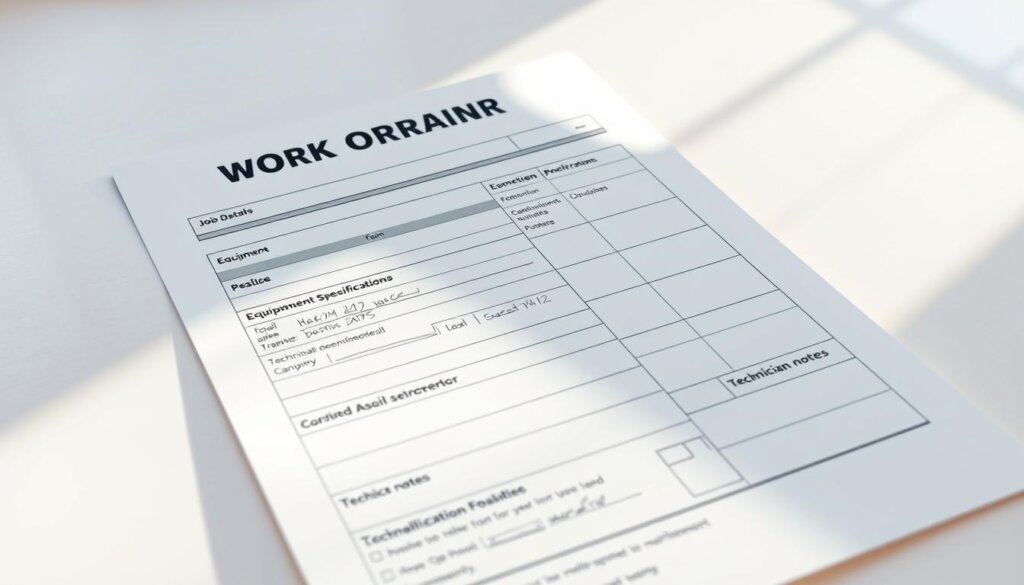
I use a compact form that collects the essentials so requests move from report to repair without guesswork. The template forces clear fields for contact, access windows, and supporting media so technicians arrive ready and managers can plan parts and timing.
Requester essentials
I require the requester to add name, contact, date of request, needed-by date, and urgency. They must include ideal times, exact location, and the asset ID plus a short issue description.
Photos or video are mandatory when possible. That information cuts back-and-forth and speeds first-visit fixes.
Manager controls
The manager gets fields for date received, scope, parts and tools needed, and scheduled date/time. I add a time estimate and an assigned technician based on skill and workload.
If a needed part is out of stock, the form flags procurement so the request stays transparent and realistic.
Technician documentation
Technicians log work performed, parts used, date/time, and total time spent. They also note any lingering issues or follow-up tasks so nothing slips through the cracks.
I tie each entry to the equipment record and keep structured fields over free text to improve reporting and auditability across maintenance work orders.
Prioritization and assignment: how I match urgency, skills, and workload
I start with a clear scorecard that ranks urgency, available resources, and technician skill before scheduling.
Setting priority by impact, safety, and readiness
I grade each item by safety risk, operational impact, and readiness — parts on hand, access windows, and current team bandwidth.
I use a consistent priority scale so the team knows what “high” means and why it moves ahead in the queue.
Automated versus manual assignment based on technician skill sets
Where rules fit, CMMS automation routes routine work orders to the right technicians by skill and proximity.
For complex or high-risk requests a manager steps in to balance load and pick a specialist.
I also reserve manual judgment for edge cases and for developing technicians with guided stretch assignments.
Daily queue reviews catch aging items, and I track how long tasks spend in each status to find bottlenecks.
Finally, I communicate the logic behind priorities so requesters and stakeholders understand scheduling decisions and see that resources are allocated fairly.
Executing, documenting, and closing maintenance work orders without friction
My goal is simple: execute each maintenance task safely, capture precise details, and close the record the same day.
Checklists, SOPs, and safety steps for consistent results
I attach checklists and SOPs to every job so technicians follow exact steps for safe, consistent results.
Lockout/tagout and other safety steps are required and must be acknowledged before any hands-on time begins.
Closing the loop: accurate time, parts, and evidence for every task
I require start/stop time, parts used, and before/after photos to verify outcomes. Technicians log notes so information is clear for follow-up tasks.
Managers review exceptions—extra damage, access limits, or missing parts—and decide next actions. Mobile closeout reduces lag and improves wrench time.
I keep records with the asset so future diagnostics, warranties, and process improvements use real data. I celebrate complete work done right the first time to reinforce standards and keep the team moving.
Metrics I track to improve performance, efficiency, and costs over time
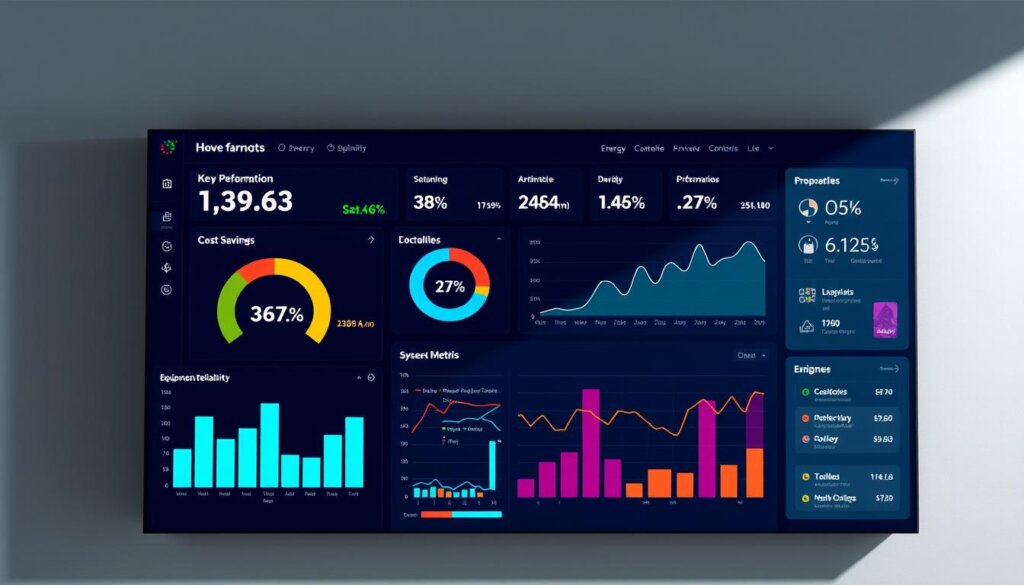
My goal is simple: use clear metrics so maintenance moves from reactive guesses to measured action. I watch dashboards that combine CMMS data and sensor feeds to show how assets behave and where attention pays off.
Throughput, backlog, wrench time, and first-time fix rate
I track throughput and backlog to see if we clear the queue fast enough. I measure wrench time so technicians spend more minutes on tools than on travel or paperwork.
I monitor first-time fix rate and mean time to repair to spot where training or parts availability must improve. These KPIs tell me if the process is working and help align goals with management.
Asset performance trends that guide preventive and predictive maintenance
I analyze asset trends—temperatures, amperage, and failure frequency—to schedule preventive maintenance at the right interval. Trend reports and comparisons across buildings reveal which assets drive the most cost.
Finally, I review parts consumption and lead times, pilot predictive triggers where sensors exist, and validate ROI by linking better performance to lower service cost and fewer disruptions.
Safety, compliance, and real-world stakes of timely requests
Safety is the nonnegotiable lens I use to triage every maintenance request that could harm people or property.
I use dedicated safety work orders to document hazards like spills, exposed wiring, and blocked exits so my team can act fast and meet standards. Clear documentation supports audits and proves due diligence for organizations and insurance reviewers.
Using safety work orders and documentation to meet standards
I aim to resolve routine issues within a 24–36 hour window so risks don’t linger. Precise location details speed response and improve first-visit fixes.
I coordinate with staff for access, permits, or escorts before arrival. That lowers risk and shortens repair time while keeping maintenance visible to stakeholders.
Cost implications and accountability when issues go unreported
Minor issues left unreported can escalate into bigger repairs, higher costs, or occupant liability. Transparent management and prioritization show why a life-safety item jumps the queue.
I store every action with the asset and space so organizations can show a maintenance history during inspections. Embedding safety checks in each order reinforces a culture where early reporting prevents larger costs and downtime.
Conclusion
I close by stressing a simple truth: digitizing each maintenance task turns chaos into predictable results. When a clear work order guides actions, teams finish jobs faster and with less guesswork.
Data-driven preventive maintenance keeps HVAC assets reliable and makes cost forecasts realistic. Corrective maintenance still happens, but strong processes shorten repair cycles and cut repeat visits.
Use consistent types, templates, and a compact form to make the process repeatable. Software is not optional at scale; it helps management orchestrate people, parts, and resources efficiently.
Centralize records around each asset, keep queues prioritized, and measure performance. Start with a form template and a few checklists, then add automation where it delivers the biggest gains so the next peak season feels organized, not overwhelming.
See how FieldAx can transform your Field Operations.
Try it today! Book Demo
You are one click away from your customized FieldAx Demo!
FAQ
What benefits do I get by automating HVAC maintenance tasks into digital processes?
I reduce downtime, cut labor costs, and increase accountability by moving manual tracking to a computerized maintenance management system (CMMS). Automation gives me scheduled preventive routines, real-time status updates, and clear technician assignments so I can spot bottlenecks and measure performance fast.
How do I decide which type of maintenance request to create?
I classify each issue as preventive, corrective, inspection/safety, electrical, general, or project work based on urgency, safety risk, and asset impact. That helps me route the job to the right technician, allocate parts, and set realistic completion times.
What key fields should my digital request form include to avoid rework?
I always capture requester name and contact, exact location and asset ID, urgency level, a clear problem description, photos or recordings, and required parts or access notes. Those details let me plan resources and prevent unnecessary site visits.
How do I prioritize and assign tasks effectively across my team?
I rank jobs by safety impact, production disruption, and readiness. I use skill profiles, certifications, and current workload to match technicians. When possible, I let automation suggest assignments and I override manually for complex or critical jobs.
What’s the practical difference between preventive and corrective maintenance for my HVAC fleet?
Preventive routines keep assets reliable and lower long-term costs by addressing wear before failure. Corrective work responds after a fault. I balance the two: proactive checks to reduce emergency calls and targeted corrective fixes when problems arise.
Which metrics should I track to prove maintenance performance and control costs?
I monitor throughput, backlog, wrench time, first-time fix rate, mean time to repair (MTTR), and asset performance trends. Those indicators show efficiency, spare-parts use, and whether preventive plans are actually reducing failures.
How do I ensure technicians document work consistently on completion?
I standardize checklists, require photos and time entries, and mandate parts used. Mobile CMMS forms with required fields prevent incomplete closeouts and give me auditable evidence for safety and compliance.
When should I upgrade from spreadsheets or whiteboards to a CMMS or EAM platform?
I move to software once volume, complexity, or compliance risk outgrows manual methods. If I struggle with missed tasks, unclear assignments, or poor data for budgeting and asset decisions, a CMMS saves time and improves accountability.
What role does mobile access play in modern maintenance operations?
Mobile access empowers technicians to receive push notifications, update status in real time, capture images, and log parts and labor onsite. That reduces delays, improves accuracy, and speeds closure so I can measure true productivity.
How do safety and compliance fit into my request-to-close process?
I flag safety-related requests, attach required permits or SOPs, and require documented safety checks before closeout. That creates an auditable trail to show regulators and protects my team and assets from avoidable risk.
Can automation help reduce backlog and increase first-time fixes?
Yes. I use automated scheduling to balance workload, route technicians efficiently, and ensure required parts and tools are listed before dispatch. Better planning raises first-time fix rates and chips away at backlog.
What information should managers add during review and approval to avoid delays?
I add scope limits, priority, expected timeline, approved parts and budget, and any access or safety constraints. Clear manager inputs prevent scope creep and help technicians arrive prepared.
How do I measure whether preventive plans are improving asset reliability?
I compare failure rates, MTTR, and downtime before and after preventive schedules. Tracking asset performance trends and cost per asset gives me insights to tweak intervals or switch to condition-based strategies.
What common pitfalls cause rework or extended downtime in maintenance workflows?
Incomplete requests, missing parts, unclear technician skills, and poor documentation cause repeat visits. I prevent these by enforcing detailed forms, parts reservations, skills-based assignments, and mandatory closeout evidence.
How should I handle emergency HVAC failures to protect operations and safety?
I classify emergencies with the highest priority, mobilize a qualified emergency response team, secure safety perimeters, and document steps taken. After stabilization, I run a root-cause review to prevent recurrence.
Author Bio

Co-Founder & CMO at Merfantz Technologies Pvt Ltd | Marketing Manager for FieldAx Field Service Software | Salesforce All-Star Ranger and Community Contributor | Salesforce Content Creation for Knowledge Sharing